LEANBACK HUB
Cinematic TV Home Screen
Quick access to Continue Watching, Live TV streams, playlist libraries, and instant search directly from your TV remote.
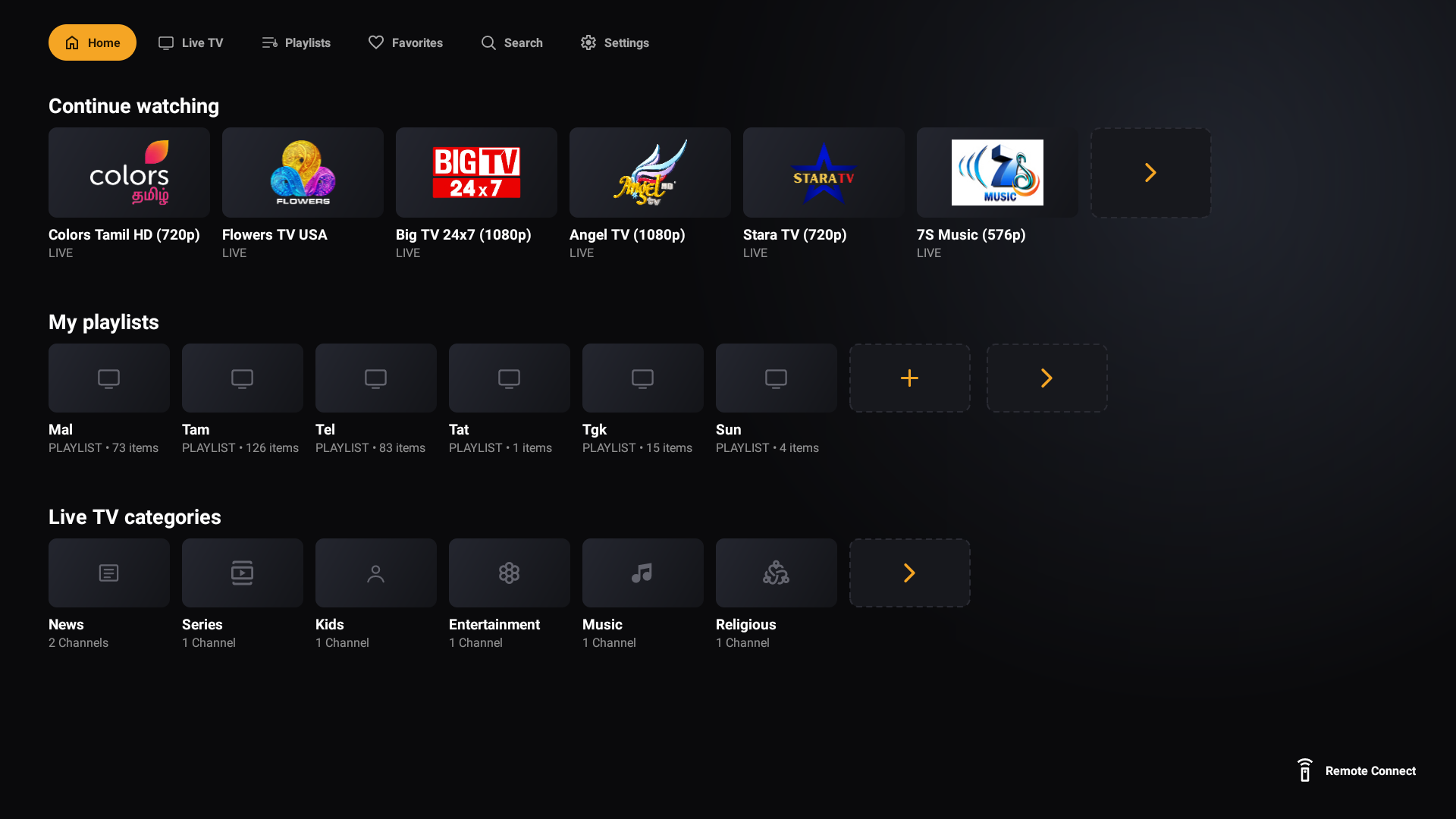
A modern media player engineered for Android and Android TV. Bring your live channels, playlists, and audio streams together in one clean, cinematic experience.
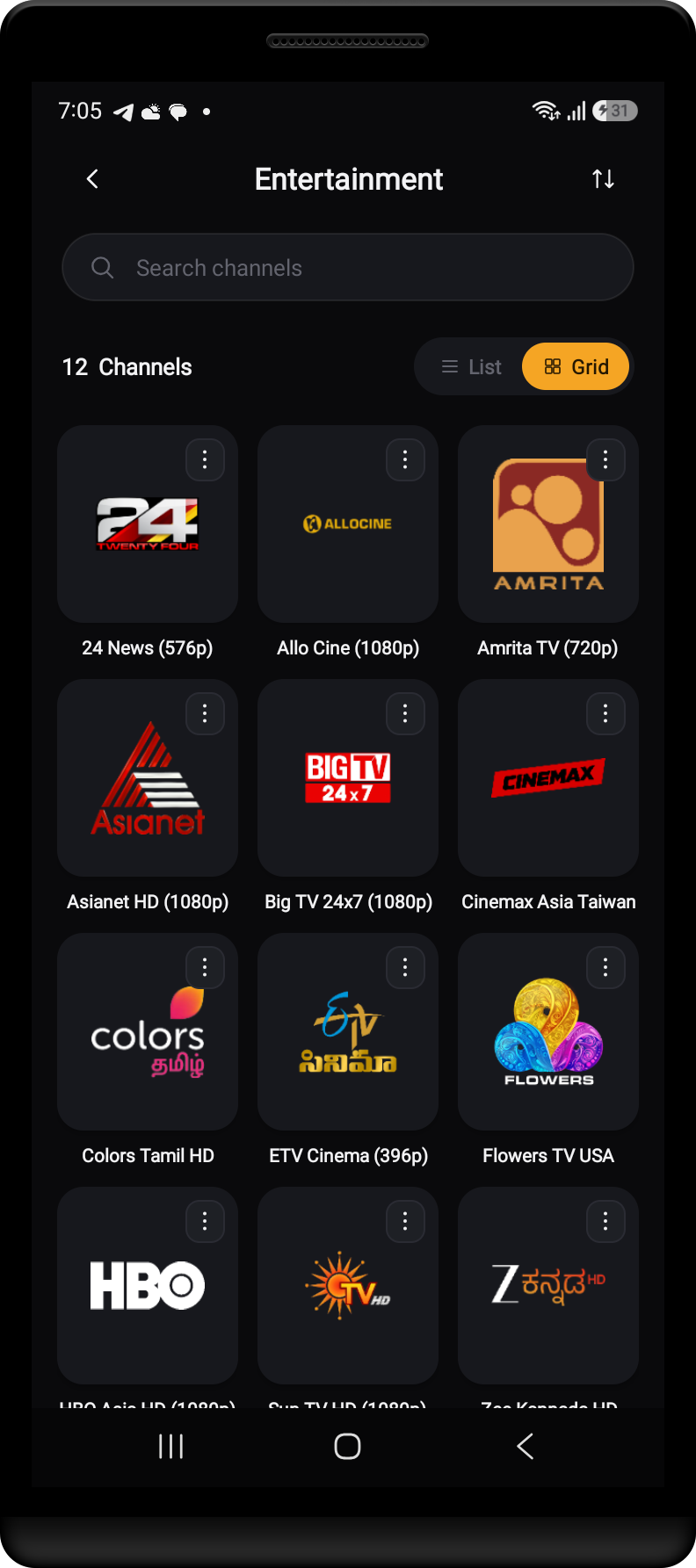
Explore how MaxPlayer adapts seamlessly between remote-controlled television screens and touch-first mobile devices.
Quick access to Continue Watching, Live TV streams, playlist libraries, and instant search directly from your TV remote.
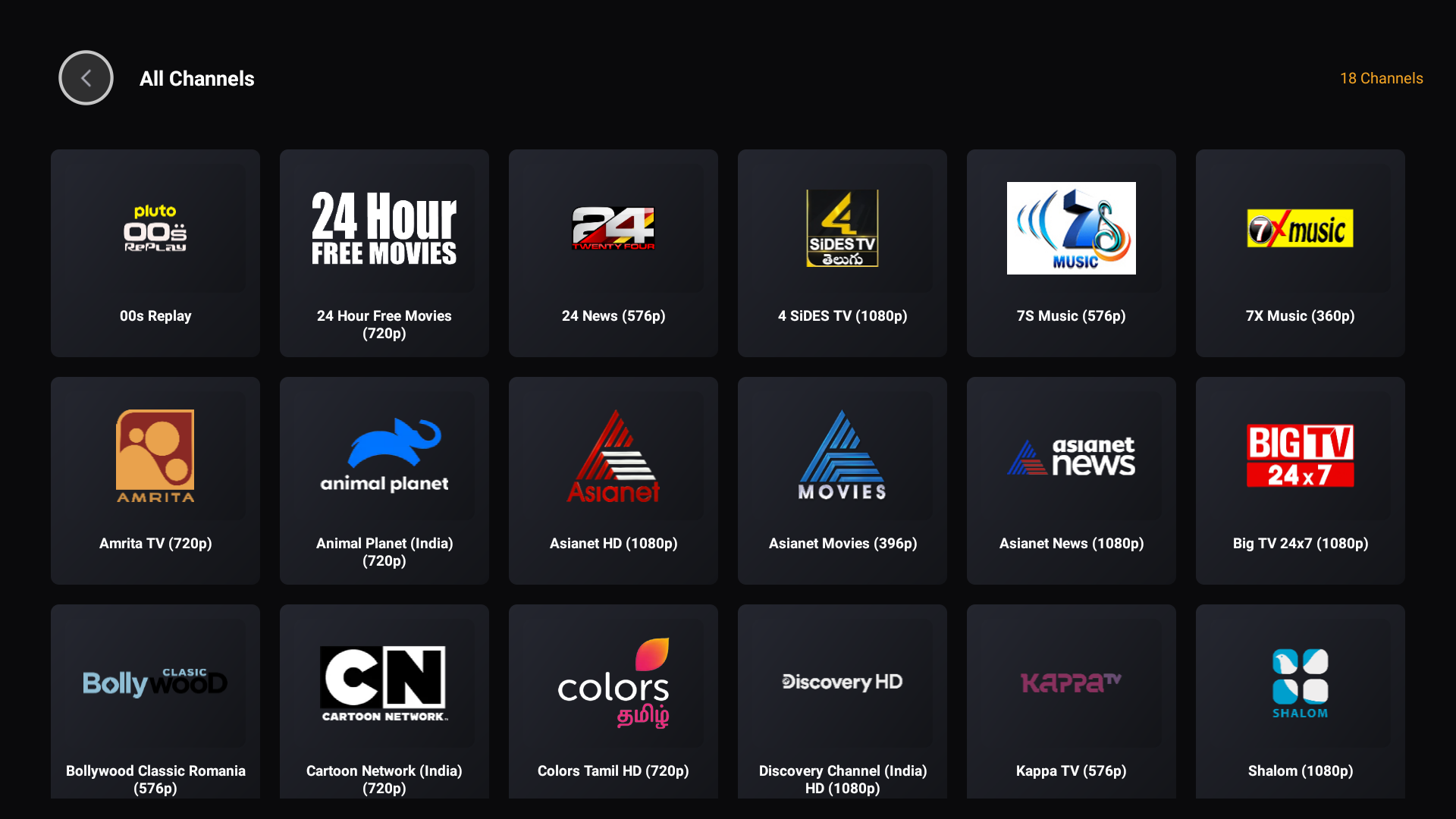
Browse full channel listings with high-resolution station logos, category filtering, and responsive D-pad navigation.
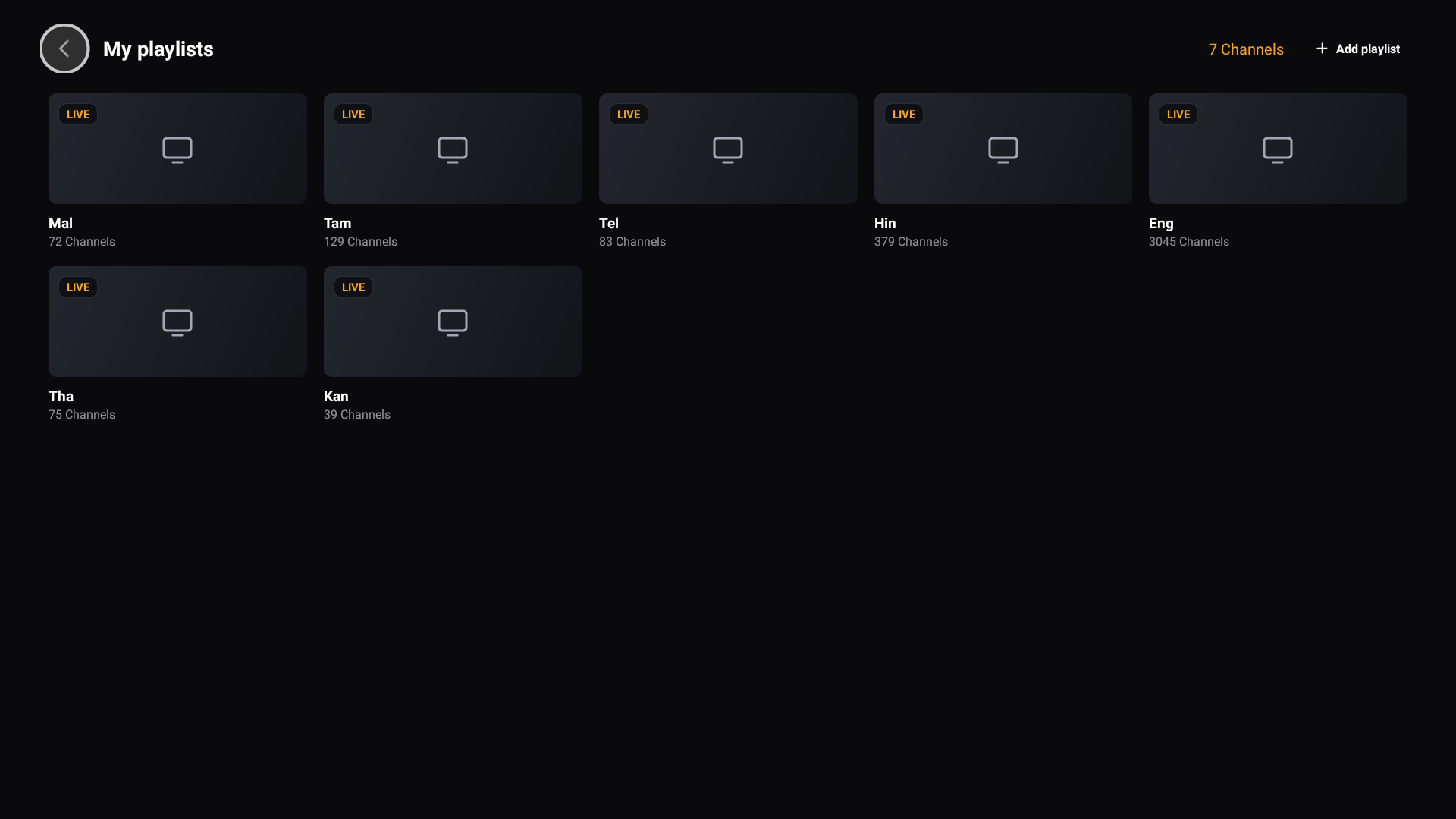
Organize multiple IPTV playlists with per-language and per-category groupings for smooth, organized playback.
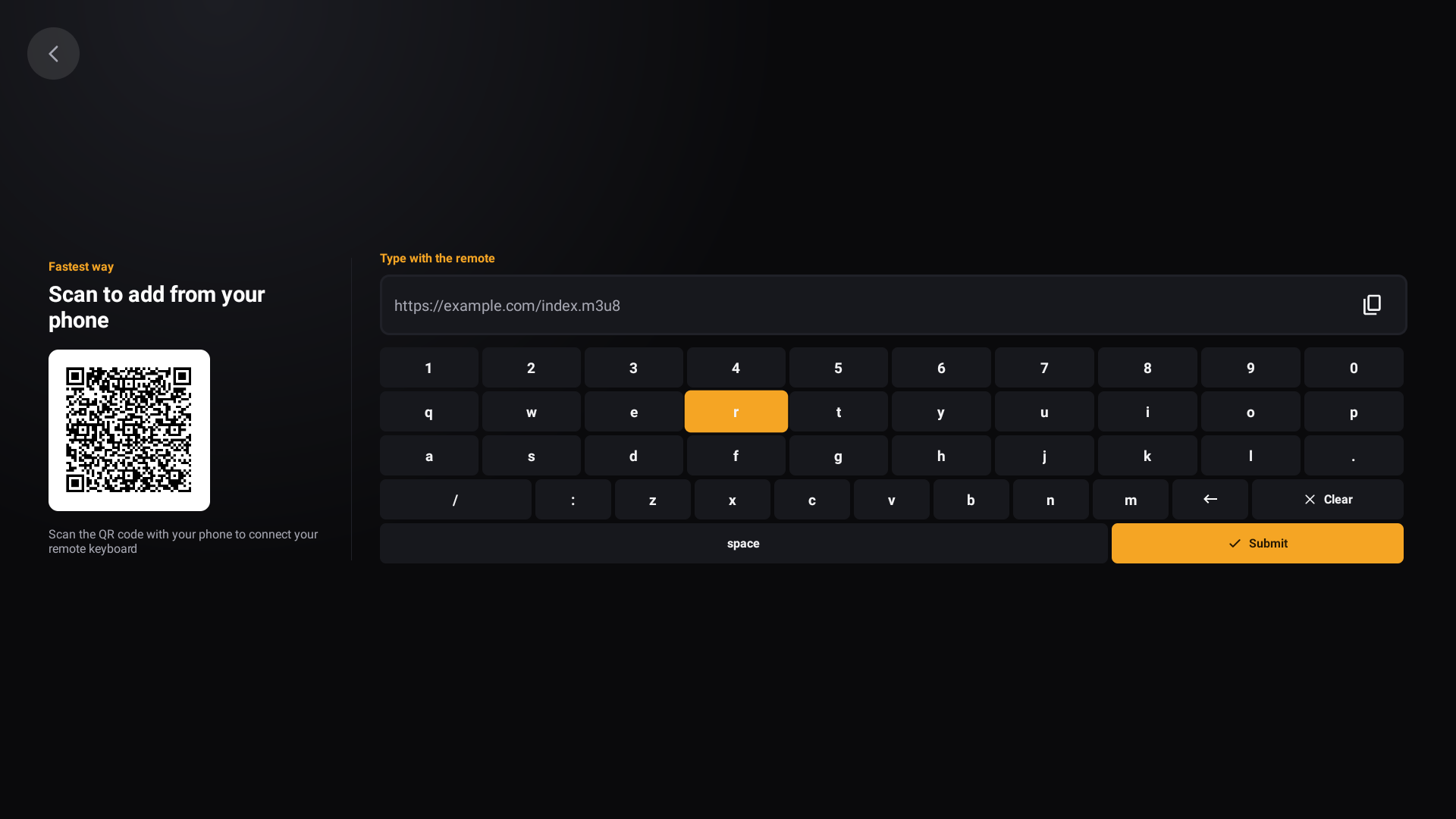
No more painful typing with a TV remote. Scan the on-screen QR code with your smartphone to send playlist URLs or search terms instantly.
Vibrant grid view of movie feeds, entertainment channels, and network station cards.
Clean and fast application startup designed for instant media player access.
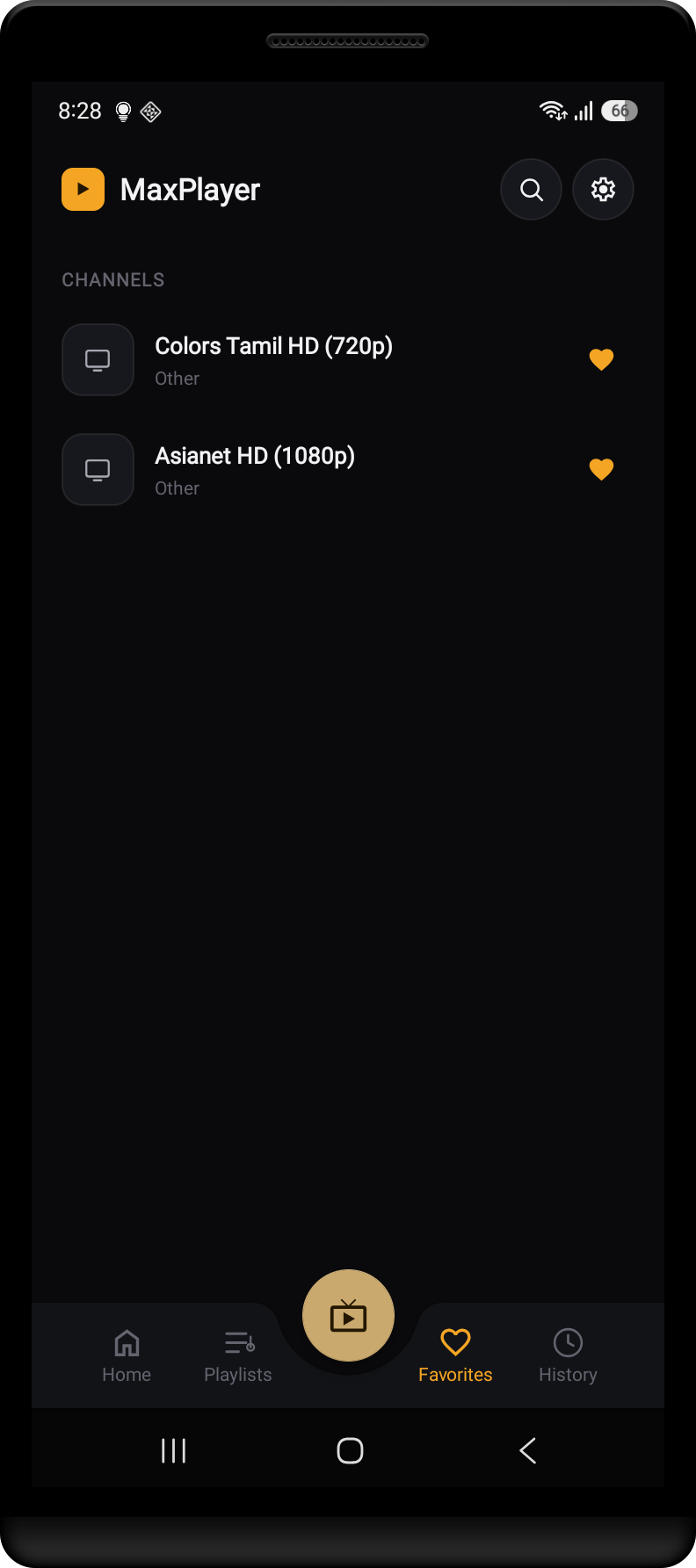
Fast search and clean bottom navigation across Channels, Playlists, Favorites, and Settings.
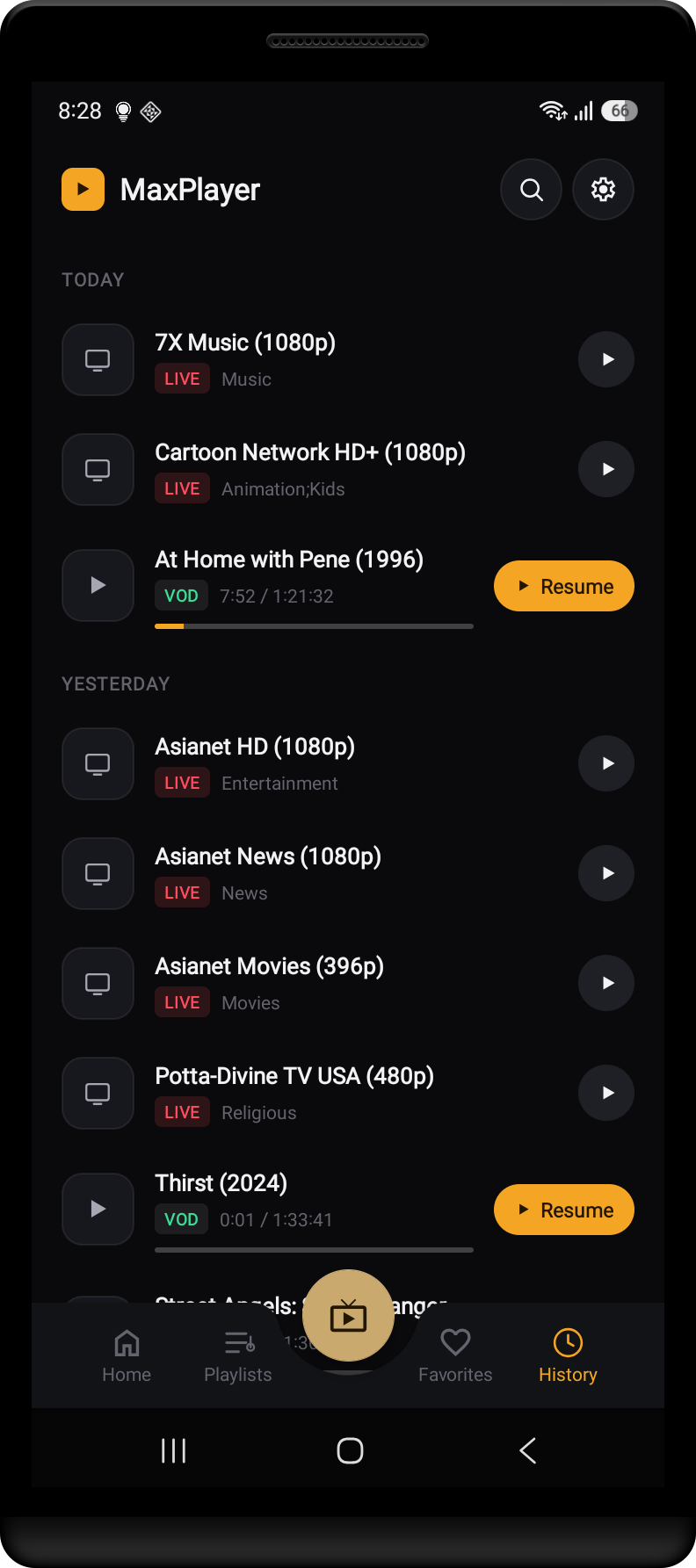
See live broadcast tags, channel bitrates, and programming details at a glance.
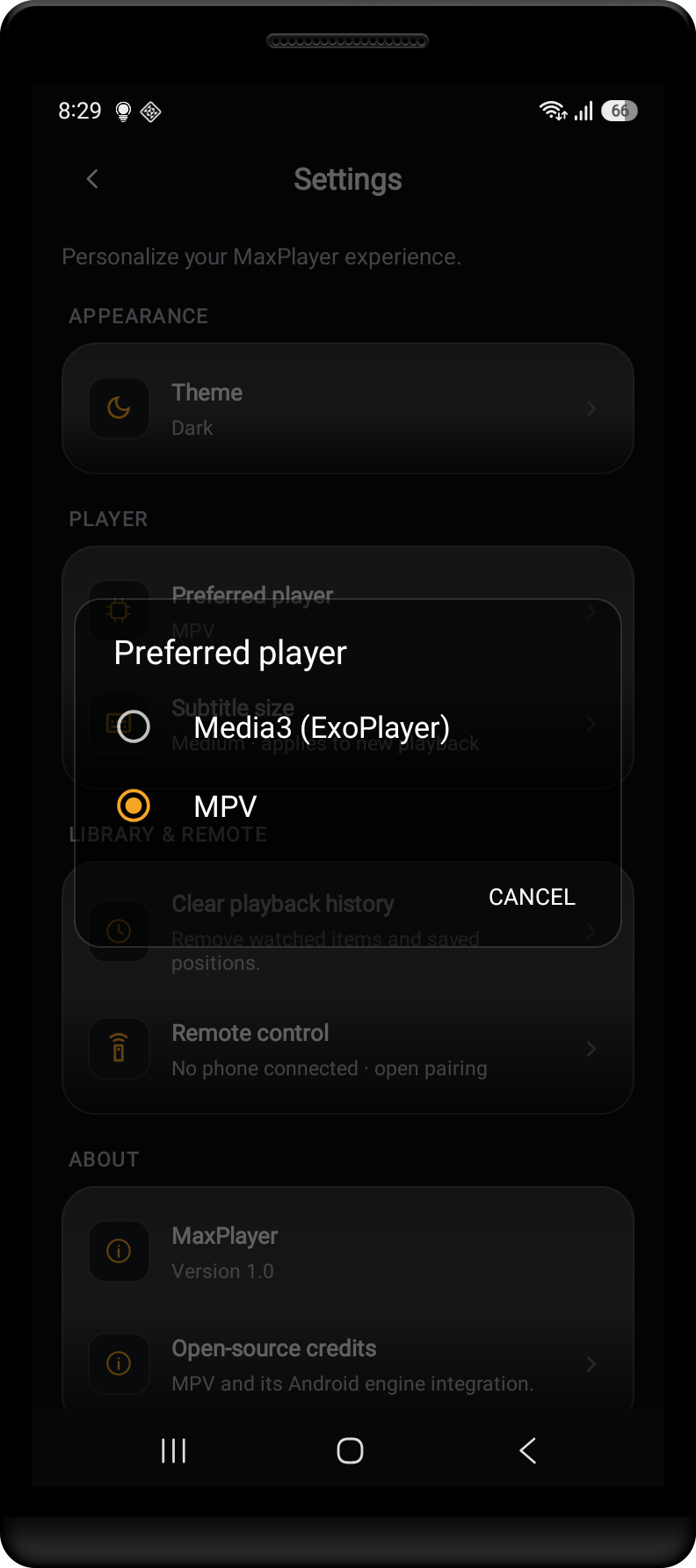
Seamlessly switch between Google Media3 (ExoPlayer) and MPV for broad codec compatibility.
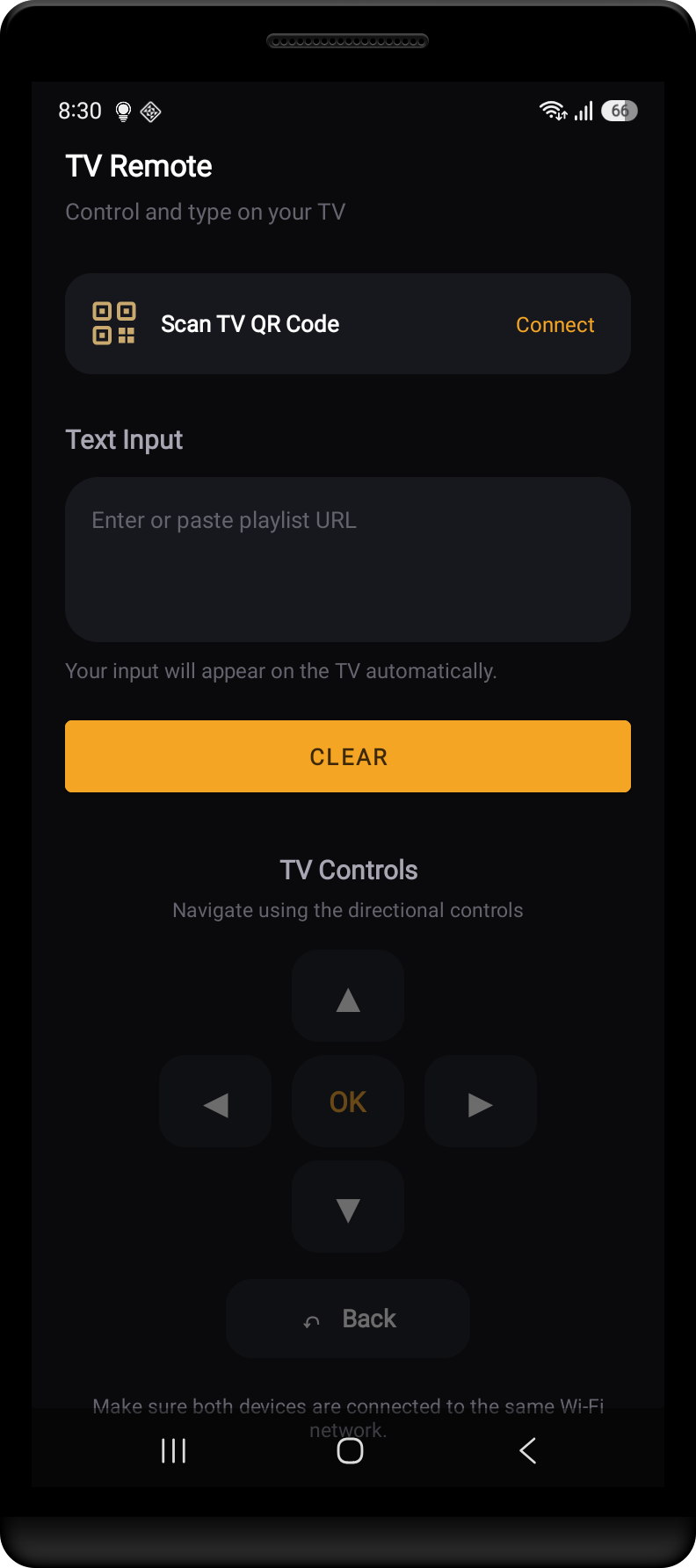
Scan your TV screen QR code to type playlist URLs or navigate directly from your smartphone.
Engineered to deliver high-performance playback, rock-solid codec support, and total control over your library.
Organize live TV, movies, series, and online audio playlists in a familiar, lightning-fast interface with rich category grouping and instant filtering.
Choose between Google Android Media3 and the integrated MPV engine for maximum hardware acceleration and format versatility.
A native TV experience tailored around directional D-pad controls, smooth carousel browsing, and high-readability cards.
Scan an on-screen QR code from your phone to immediately type URLs, search content, or control playback without awkward remote typing.
Listen to live radio stations and audio streams with background playback, stream bitrate indicators, and real-time metadata display.
Feature availability may vary by app version, device model, and media format. MaxPlayer does not provide, host, or bundle TV channels or copyright-protected media content.
Install MaxPlayer on your Android smartphone, tablet, or Android TV device and enjoy playback built for modern formats.
If the Google Play Store listing is in rollout or undergoing review, the GitHub releases link provides immediate APK access.
Explore the architecture behind MaxPlayer and the high-performance playback engines it integrates.
The Android application source code, including responsive phone and Android TV interfaces, playlist parser, and playback controllers.
Explore the dedicated MPV Android engine component providing robust codec handling and stream demuxing.
Open-source licensing and attribution are defined by each repository and its respective upstream dependencies. Please review the individual LICENSE files before reusing or redistributing code.
Check the project updates, submit feature suggestions, or reach out directly for assistance.
Important note: MaxPlayer is purely a media player tool. The application does not provide, bundle, host, or sell any television channels, streams, playlists, or copyrighted media. You must provide your own playlists or authorized media streams.
For testing and getting started, you can explore publicly available, community-maintained broadcast playlists from the open-source iptv-org project:
Assemble and organize your own custom live channels with logo previews and immediate .m3u file download:
